Keycard Shell Quick Start Guide
All you need to know to start using Keycard Shell
Keycard Shell setup steps
Inside the box, there is one Shell and two Keycards.
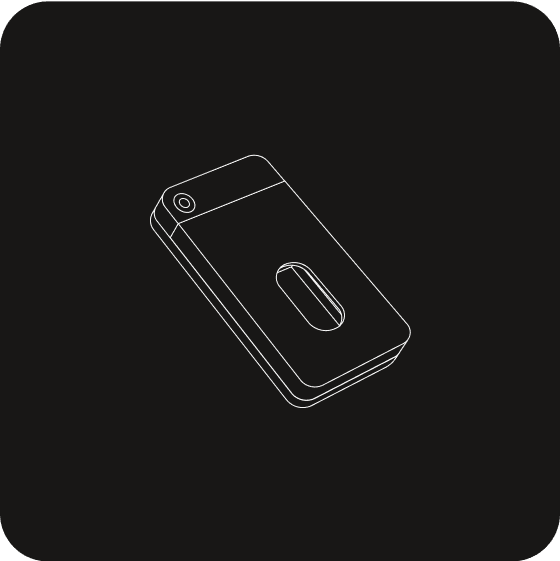
a. Open back cover
Gently press the back cover on its upper part and slide it downward to remove.
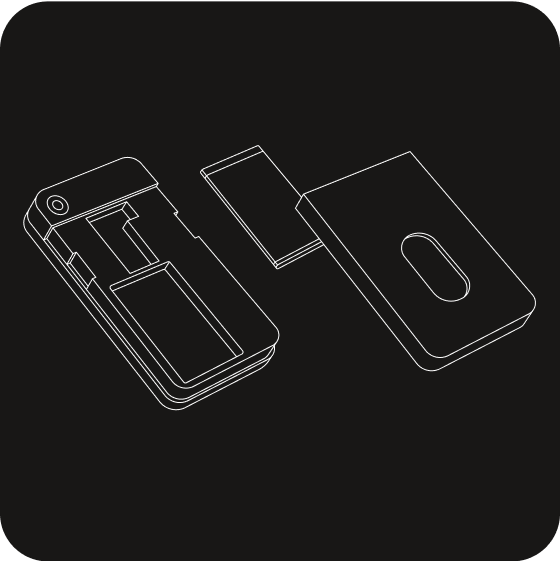
b. Insert battery
Insert the battery into its slot. Slide the back cover upward to close.
c. Insert Keycard
Insert the Keycard with the chip facing up and push it in all the way. The Shell powers on automatically.
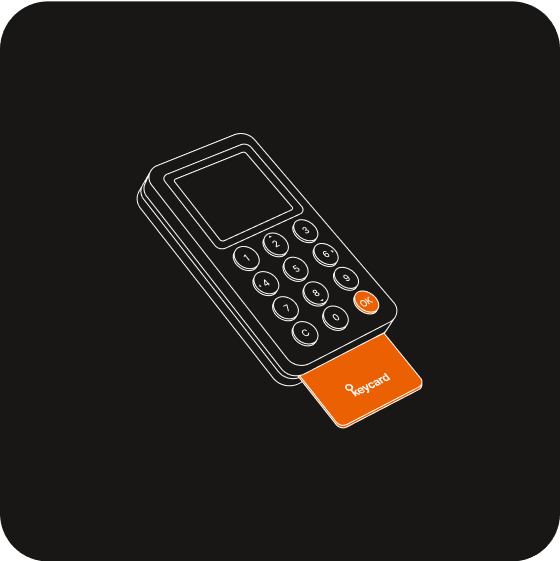
If the screen stays off, first make sure your card is pushed all the way. If it is, charge the Shell with a USB-C cable and try again later. Check out FAQ for more tips.
Have questions? Keycard Shell support
Reach out to our team or engage with our community on Discord or X.