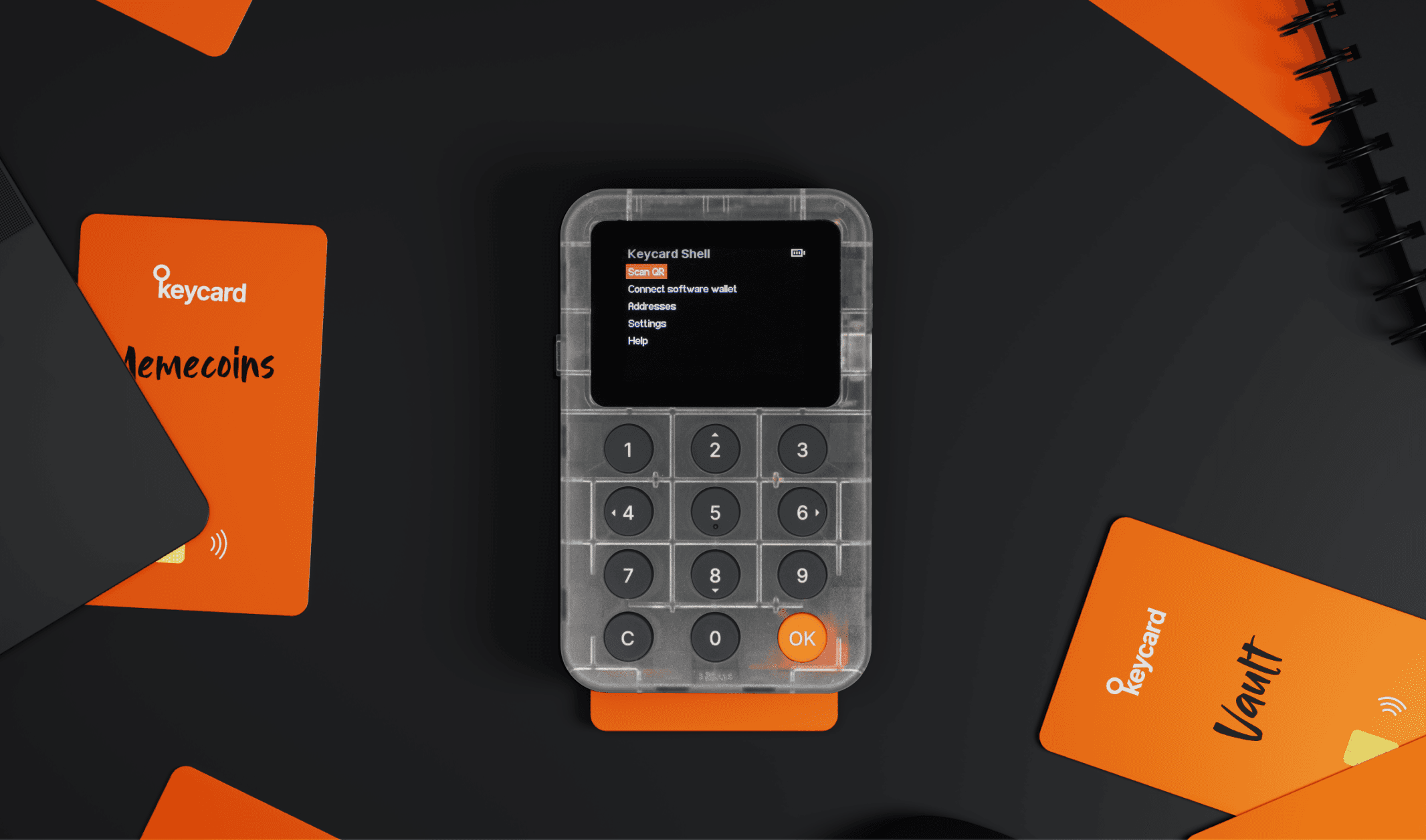
Keycard and Shell keep your crypto wallet's private keys secure. Your private keys control access to your crypto.
Keycard is a hardware wallet in the form of a contactless smart card. Your private keys stay on the card's secure chip, keeping your crypto safe.
Key features:
- Secure chip: Private keys never leave the card
- NFC support: Works wirelessly with mobile devices
- Open source: Build your own projects ↗
- Ethereum and EVMs support: ECDSA secp256k1 signatures
- Bitcoin support: native segwit, nested segwit, legacy and multisig support
Use Keycard with iOS and Android phones via NFC, or with desktop computers using a USB smartcard reader.
Shell is a companion device for Keycard. It lets you use more software wallets and sign transactions via QR codes.
Shell must work with Keycard. You can share your Shell with others because it doesn't store private keys or sensitive information.
Key features:
- Display: Review transaction details on screen
- Wide wallet support: MetaMask, Rabby, imToken, Sparrow, BlueWallet and more
Keycard and Shell work with a software wallet to manage your crypto. Each performs different functions.
| Functionality | Keycard | Keycard Shell | Software wallet |
|---|---|---|---|
| Secure private keys | ✅ (Secure element) | 🔗 (With inserted Keycard) | ❌ (Keys stay on Keycard) |
| View crypto balance | — | — | ✅ |
| Create transactions | — | — | ✅ |
| Sign transactions | ✅ (With Status app ↗) | 🔗 (Via QR code; requires Keycard) | Use Status app ↗ if you don't use Keycard Shell |
| Air-gapped operation | ✅ (NFC contactless) | 🔗 (Via QR code; requires Keycard) | — |
| Manage Keycard | ✅ (With Status app ↗) | 🔗 (On-device screen; requires Keycard) | Use Status app ↗ if you don't use Keycard Shell |
✅ Works standalone
🔗 Works only when paired with Keycard
— Not possible
❌ Prevented when using Keycard and Keycard Shell
For regulatory details, see our Regulatory compliance.