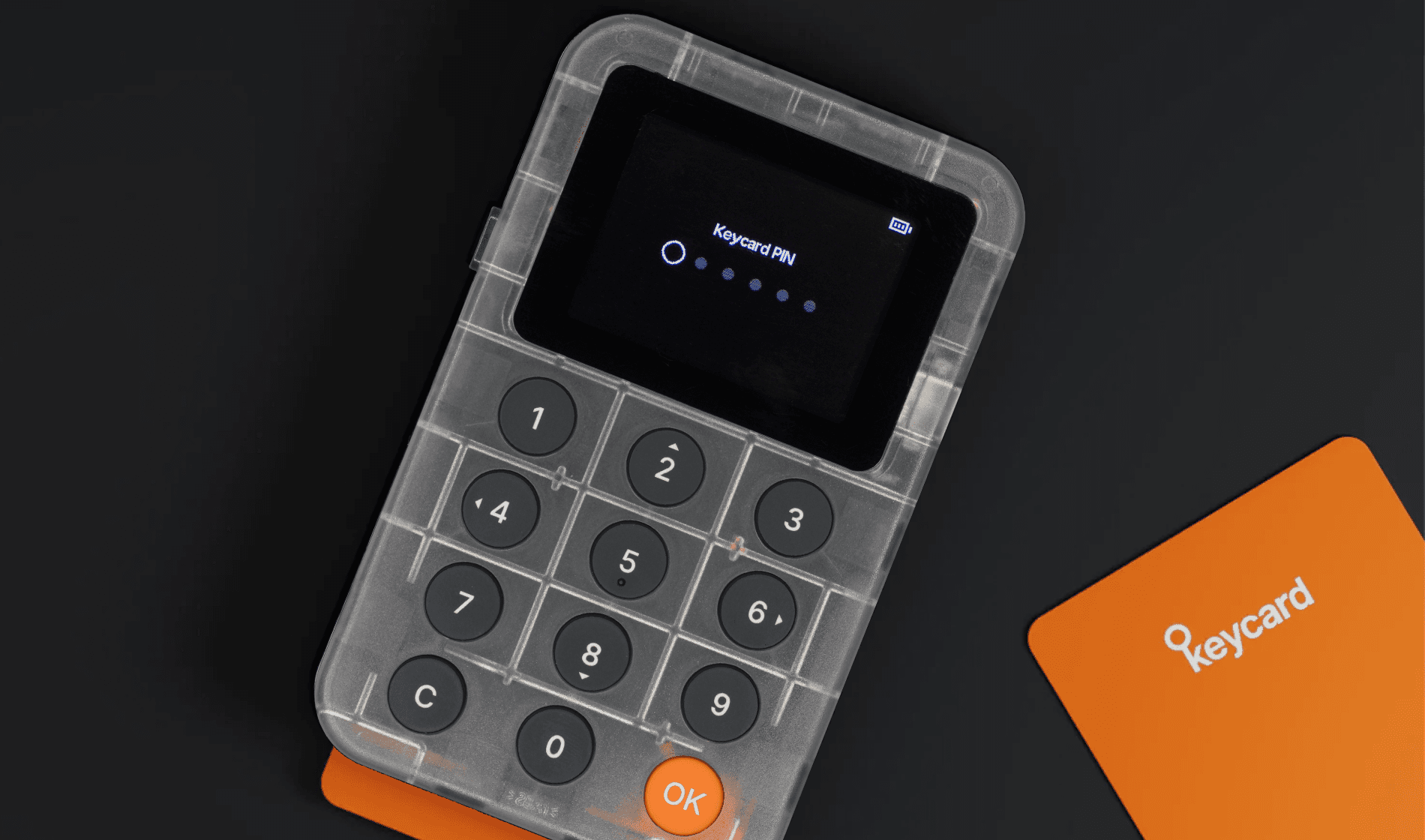
When setting up your Keycard, you must create a six-digit Keycard PIN (Personal Identification Number). This PIN functions like a password to protect access to your Keycard.
Optionally, you can set a duress PIN to unlock a decoy wallet if someone forces you to unlock your Keycard.
Every time you insert your Keycard into Keycard Shell, you must enter your Keycard PIN to unlock it.
The PIN protects access to the Keycard itself, not the funds directly. Your recovery phrase protects access to your funds.
You can change your Keycard PIN at any time.
After setting your Keycard PIN, you can choose to set a duress PIN.
When you set a duress PIN, your Keycard automatically creates a decoy wallet. There is no visible way to tell whether you are using the decoy wallet or the regular wallet, or whether a decoy wallet exists. Only you know if you set a duress PIN.
The duress PIN works the same way as your regular Keycard PIN, and the decoy wallet behaves like a regular wallet. You can also send and receive funds using the decoy wallet. It's intended to be a wallet with low value to show to an attacker, instead of your real wallet. The decoy wallet uses the same recovery phrase and standard derivation paths, but it produces a different set of addresses.
Your decoy wallet and regular wallet are linked to the same recovery phrase. If you recover your wallet on another Keycard, you restore both wallets at the same time.
Your regular PIN and duress PIN operate independently. Changing one doesn't affect the other.
Following these tips can help you create a secure PIN for your Keycard:
- Avoid simple sequences (for example, 123456) or repeated digits (for example, 111111). Instead, use a mix of numbers that are not easily guessable.
- Do not use easily obtainable information, such as your birthdate, phone number, card plate, or address.
- Use a unique PIN for your Keycard that you do not use for other accounts or devices.
- Consider changing your PIN periodically to enhance security.
After three wrong attempts at entering your Keycard PIN or duress PIN, your Keycard becomes blocked. You can unblock it by entering your PUK (Personal Unblocking Code).
If you don't have a PUK, you can factory reset your Keycard and then import your wallet accounts again. This doesn't affect the funds in your wallet accounts. You can always access your funds with your recovery phrase.